Free Tech Resume Template (ATS-Friendly Download)
25 Mar, 2026
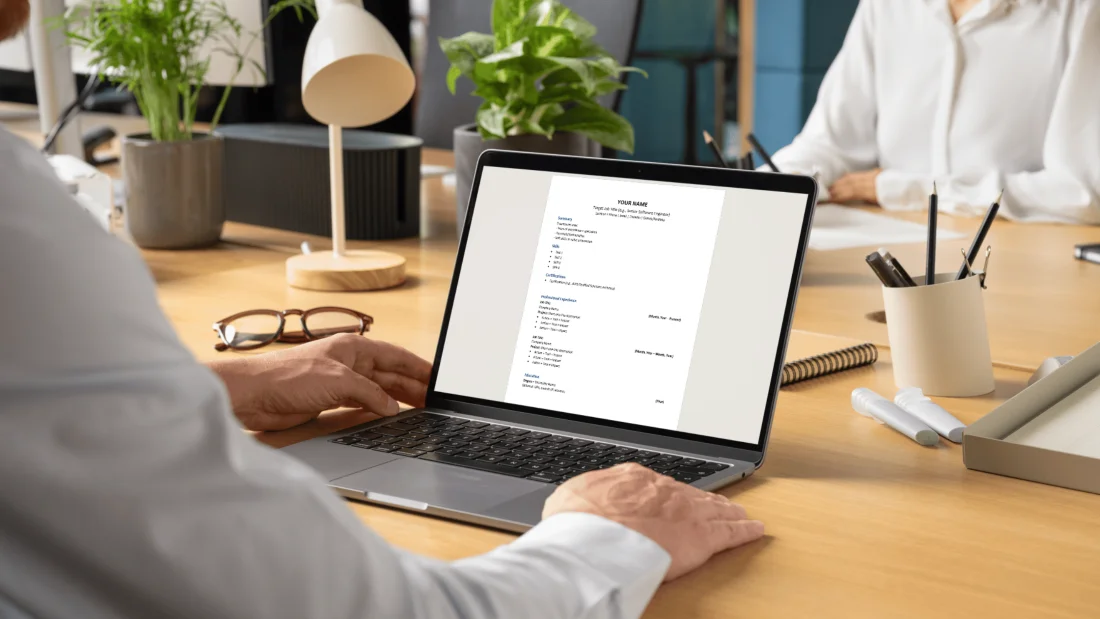

I read resumes fast. Really fast.Honestly, even 10 seconds is generous.So if your resume isn...


I read resumes fast. Really fast.
Honestly, even 10 seconds is generous.
So if your resume isn’t clear, relevant, and easy to scan immediately, you are already losing opportunities.
I work with tech professionals every day. Software engineers, backend developers, DevOps engineers, cloud architects, data analysts, QA engineers, and platform engineers.
And across all of them, I see the same thing.
Some resumes stand out instantly. Others never really get a proper look.
If you’re wondering how to write a resume for tech roles that actually works, this is exactly how I recommend approaching it.
If you’re starting from scratch, the first thing to get right is your tech resume layout.
And I’ll be honest, most people overcomplicate this.
Your resume should be:
Keep it in chronological order. Keep your most important information at the top. And don’t try to be too clever with the layout.
If I have to figure it out, it’s already working against you.
The top section is where I look first. Always.
Here’s how I expect it to be structured:
If you’re applying as a Senior Software Engineer, DevOps Engineer, Data Engineer, or Solutions Architect, say that clearly.
Don’t make the recruiter guess.
This is one of the first things I read (and should sit directly under your top section).
Most people either overdo it or make it too generic.
You only need three sentences max:
It needs to be tailored to the role you’re targeting. Not something vague that could apply to anyone.
Keep this clean and visible. I recommend positioning this after your summary, or if you like, you can put it as a panel on the right-hand side of the page.
Only include what is relevant for the position you are targeting. You don’t need a long list.
Whether you’re writing a resume for a software engineer, a frontend developer, a DevOps engineer, or a data analyst, the same rule applies.
I want to quickly understand two things:
Your tech stack should be obvious.
And your experience should show outcomes, not just responsibilities.
For example:
Instead of:
“Worked on APIs”
Say:
“Developed REST APIs in Java supporting scalable microservices architecture”
That tells me a lot more, instantly.
This is one of the biggest differences between a strong resume and a weak one.
Most people list tasks, but that’s not what stands out. What makes the difference is showing the impact of what you’ve done.
Every bullet point should answer:
For example:
Once you’ve got your bullet points right, the next thing that really matters is how you structure your overall experience.
If you’re senior and have worked across a lot of projects, you don’t need to include everything. Early experience usually isn’t adding much value anymore. What matters is the work that aligns with what you’re doing now and the role you’re targeting.
Instead of listing everything, focus on the most relevant parts of your career. And if you’ve worked on multiple projects in one company, group them properly. Keep the company and job title as one entry, then break out key projects underneath so it stays structured and easy to follow.
For junior candidates, it’s often the opposite concern. You might feel like you don’t have enough experience, but academic or personal projects absolutely count.
If you’ve built something using the tools you want to work with, include it. Add an “Academic Projects” section and structure it like the professional experience section. That’s how you add substance, even early in your career.
This is where most candidates fall down.
And I get it. You create one resume, you think it covers everything, and you start applying. But that’s not how it works anymore.
Your resume is being scanned by systems before it even reaches a recruiter. If it doesn’t match what those systems are looking for, it might not even be seen.
What I always recommend is this:
Go onto LinkedIn or job boards and search for the role you want.
For example:
Open multiple job descriptions at the same time.
And just take a few minutes to scan through them properly.
You will start to notice the same words coming up for:
Those repeated terms are your keywords.
That’s what your resume needs to reflect.
A lot of people think tailoring means adding a skills list.
That’s not enough. Especially for the systems that are automatically scanning your CV for matching.
You need to integrate keywords into:
And it still needs to read naturally.
If it feels forced, it won’t work.
This is something people underestimate, especially those who are junior or don’t have any work experience yet.
You might think you don’t have the right experience or enough of it, but often, it’s just not framed correctly.
For example:
You’re not changing your experience. You’re translating it.
This is important.
Yes, keywords matter, but your resume still needs to flow because once it passes the system, a human is reading it. And if I’m struggling to read it, the hiring manager will too.
This is one of the most common questions.
Here’s how I look at it:
If you’re very senior, don’t worry about going onto a third page. What matters is relevance and what adds value.
People use tools like Canva or heavily designed templates, and honestly, it’s usually overkill.
A lot of templates you’ll find online use columns to separate things like skills and certifications. Visually, they can look quite nice.
But from a practical point of view, they can cause issues. Some ATS systems struggle to read content in columns or text boxes properly, which means parts of your resume might not even be picked up.
What I recommend instead
Start with a simple Word document, and stick to a clean, single-column layout. It’s easier to read, and it makes sure nothing gets missed.
There are a few things I see all the time that hurt candidates:
1. Overcomplicated formatting
Keep it simple.
2. Irrelevant information
You don’t need:
Focus on what matters for the role you are targeting.
3. Photos
You don’t need a photo. It can introduce bias and doesn’t add value.
4. Poor proofreading
Your resume is a reflection of your communication. If there are spelling or grammar mistakes, it stands out immediately.
Proofread it more than once. Have someone else proofread it for you, or read it the next day so you are using fresh eyes to look at the document again.
You should have both.
If you’re working with a recruiter or agency, they may need a Word version. So it’s always good to have both ready.
But I would say if you’re submitting directly for a role to HR, then a PDF is best for ensuring the styling is fixed and maintained once sent across.
If you’re not sure where to start, use a structured template.
We’ve created a free resume template for tech professionals that follows exactly what I’ve outlined here.
A strong resume is not about including everything, it’s about making the right information clear, quickly.
If your resume is simple, tailored, and easy to read, you’re already ahead of most candidates.